The clutter usually starts when your iPhone, earbuds, smartwatch, and other devices all need power at once. Cables spread across the desk, adapters fill the outlets, and small accessories go missing. An iphone charging station can bring daily charging into one convenient place. The right choice takes more than picking an attractive design. It should suit your devices, available space, and everyday routine.
Begin With Your Everyday Setup
List the devices you want to charge together. You may only need room for an iPhone and wireless earbuds, or you may want space for an Apple Watch or a second phone. Charging stations are not automatically compatible with every device. A magnetic phone stand may support only certain iPhone models or cases. A watch charging area may require a separate compatible charging puck. Some products include cables and an adapter, while others expect you to provide them. Read the compatibility details and package contents rather than relying on product photos. A station that looks like an all-in-one solution may still need extra accessories.
Charging Station vs. Docking Station
The terms are sometimes used interchangeably, but they do not always mean the same thing. An iPhone charging station is mainly designed to supply power to one or more devices. It may use wired connections, wireless pads, or magnetic charging. Its main purpose is to keep devices powered and reduce cable clutter.
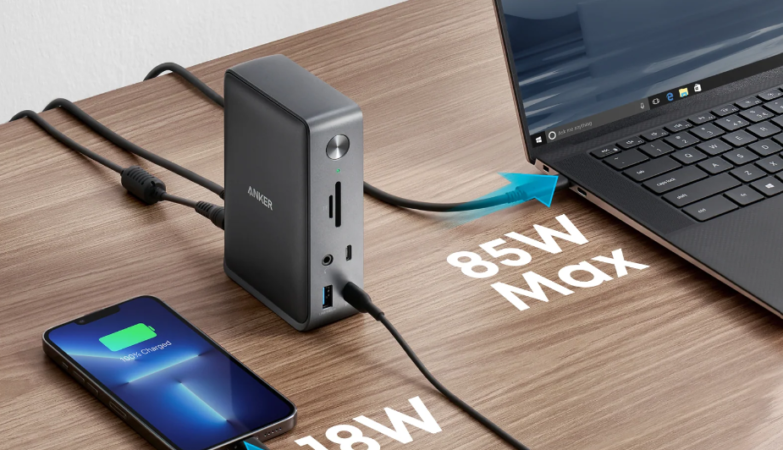
A docking station generally places a device in a fixed position. For a phone, that might be an upright stand. In a computer setup, a docking station can also connect a laptop to monitors and other peripherals. That is a broader function than simply charging a phone. Product names can be confusing, so check the actual features. Choose based on what the accessory does, not just whether its title includes “dock” or “station.”
Choose a Design That Fits Your Space
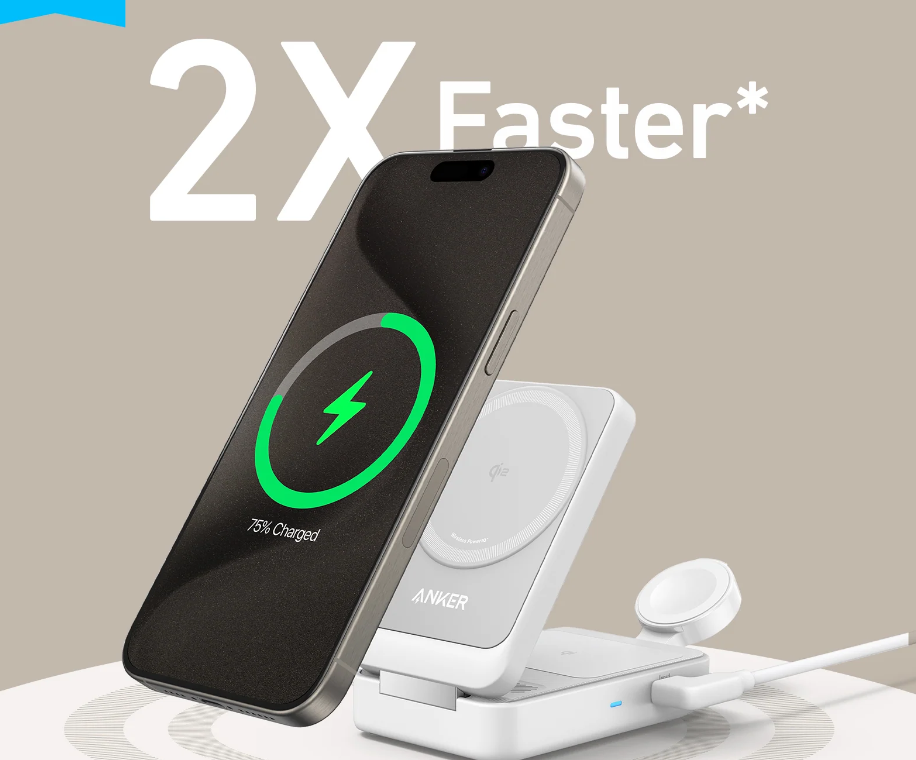
A multi-device stand keeps compatible gadgets in separate positions and works well on a bedside table or desk. A flat wireless pad takes up less vertical space, although it may not make the phone screen easy to see. Cable-based organizers suit a wider mix of devices, provided you have the correct cables and adapters. Foldable models are useful for travel, but check their packed size and whether a wall adapter is included. Think about where the station will sit. On a desk, an upright phone position makes notifications easier to check. Beside a bed, a compact design with subtle indicator lights may be more comfortable.
Check Power Requirements
Several charging spots do not guarantee that every device will charge at its maximum speed at the same time. A station may share its available power across connected devices. Some models also need a separate wall adapter, whose capacity can affect performance. Check the output for each charging position and the station’s total power requirement. For wireless charging, confirm that the product supports a standard and power level suitable for your iPhone. For wired charging, match the cable and power source to your phone’s connector and charging needs. Charging speed also varies with battery level, temperature, and phone activity. A station is often most useful for keeping devices organized and ready, rather than promising the fastest possible charge in every situation.
Notice the Small Details
A stable base matters; the station should not slide around whenever you lift your phone. Check that there is room to place and remove devices comfortably, especially if you use protective cases. Removable cables are easier to replace, while built-in cables mean fewer loose accessories. Bright status lights may be distracting in a bedroom. A foldable design can help with packing, and a simple surface is easier to clean.
Set It Up Sensibly
When setting up a docking station, place it on a firm, ventilated surface, away from moisture and direct heat. Avoid sharply bending cables or placing heavy objects on them. If the station or a connected device becomes unusually hot, disconnect it and follow the manufacturer’s instructions. For a neat desk, route cables behind the table but keep the power adapter accessible. That makes it easier to unplug the setup and check connections.
Final thoughts
The right iPhone charging station should match your devices, available space, and daily routine. Compare compatibility, power requirements, layout, and included accessories before deciding. A docking station may be better when you want a fixed phone stand or broader device connections, while a multi-device charging station is practical for keeping everyday gadgets powered in one place.
Frequently Asked Questions
Can a charging station charge an iPhone and Apple Watch together?
Some models support both, but compatibility and included watch-charging accessories vary. Check the details before buying.
Is a docking station the same as a charging station?
Not necessarily. A charging station supplies power, while a docking station may also hold a device or connect it to other equipment.
Do charging stations include a wall adapter?
Some do and some do not. Check the package contents and power requirements to see whether you need one separately.
Will an iPhone charge through its case?
Often it can, but case thickness, material, and magnetic components may affect wireless charging. Check the manufacturer’s guidance.
Is it okay to charge an iPhone overnight?
Using suitable, undamaged charging equipment is generally fine. Keep the station ventilated and do not cover it with bedding.